
10 Reasons Your “Web Design for Small Business” Isn’t Converting (And the Fast Fixes You Can Do This Week)
In the digital landscape of 2026, your website is no longer just a digital brochure; it is your company’s virtual front door, its primary salesperson, and its most important brand ambassador. For local contractors and small business owners, a website that looks "nice" but fails to generate leads is a liability rather than an asset. Many professionals invest heavily in web design for small business only to find that their phone isn’t ringing and their inbox remains empty. This disconnect often stems from a focus on aesthetics over strategy. If your online presence feels like a quiet room while your competitors are buzzing with activity, it is time to diagnose the structural issues holding you back.
The good news is that high-converting websites aren't built on magic: they are built on clarity, speed, and trust. Below are the ten most common reasons your website is failing to convert and the actionable, fast fixes you can implement this week to turn your digital storefront into a lead-generation machine.
1. Overly Complex or Cluttered Navigation
When a potential client lands on your site, they should know exactly where to go within three seconds. Cluttered navigation acts like a messy office; it overwhelms the visitor and leads to "decision fatigue." If your menu has ten different tabs and half of them lead to under-construction pages or generic "About" sections, you are losing business. A seamless user experience is essential for keeping prospects engaged.
The Fast Fix: Audit your header menu this week. Consolidate your pages into 4 or 5 essential categories: Services, Gallery/Portfolio, About, and Contact. If you have multiple niche services, use a simple dropdown menu rather than cluttering the main bar. Your goal is to guide the visitor toward the "Contact" button with as little friction as possible.

2. The "Ghost Town" CTA (Call to Action)
A website without a clear Call to Action (CTA) is like a salesperson who explains a product and then walks away without asking for the sale. Many small business websites suffer from "Vague CTA Syndrome," using buttons that say "Submit" or "Learn More." These terms are passive and do not inspire action. Furthermore, if your CTA is only at the very bottom of the page, most users will never see it.
The Fast Fix: Replace passive language with action-oriented phrases. Instead of "Submit," try "Get My Free Quote" or "Schedule My Consultation." Ensure a prominent CTA button is visible "above the fold" (the area seen without scrolling) and repeat it at the end of every major section. For more on optimizing your conversion points, check out our guide on 10 reasons your small business website isn't converting and how to fix it.
3. Glacial Loading Speeds
In 2026, patience is a defunct virtue. Research consistently shows that a one-second delay in page load time can lead to a significant drop in conversions. If your site takes more than three seconds to load, visitors will bounce back to the search results and click on your competitor. Slow speeds are often caused by unoptimized images, excessive plugins, or poor hosting.
The Fast Fix: Use a free tool like Google PageSpeed Insights to identify what is slowing you down. This week, compress every image on your homepage using a tool like TinyPNG. If you are using WordPress, deactivate and delete any plugins you aren't actively using. Speed is a crucial component of website maintenance services that many owners overlook until it's too late.
4. Lack of Mobile Responsiveness
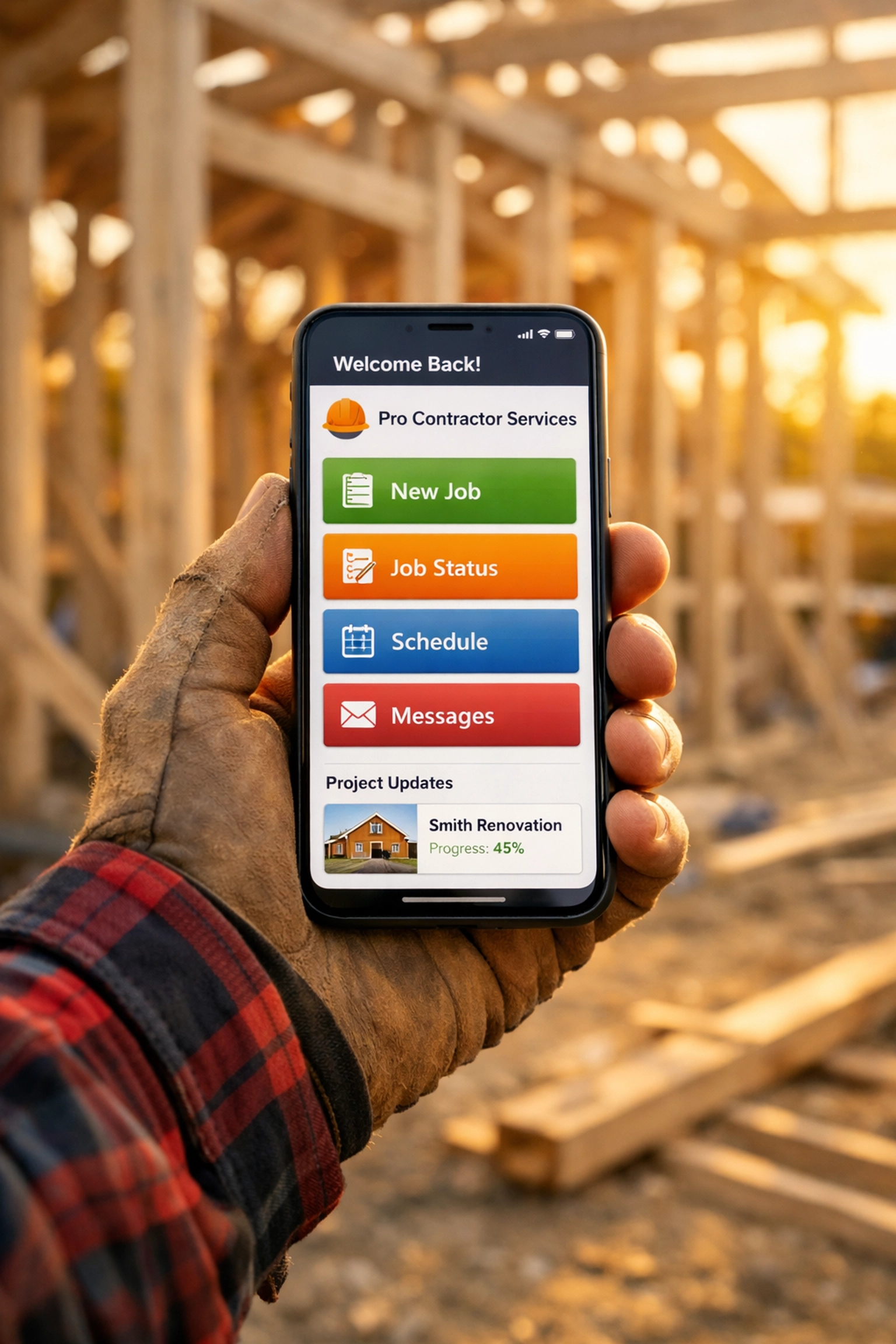
The majority of local searches for contractors and services now happen on mobile devices. If your website was designed primarily for a desktop and looks "broken" or requires "pinch-to-zoom" on a smartphone, you are essentially closing your doors to over 60% of your market. A seamless mobile experience is no longer optional; it is a foundational requirement for credibility.
The Fast Fix: Open your website on your phone and try to fill out your contact form. Is it easy? Can you click the buttons without hitting the wrong link? If not, you may need a professional layout adjustment. Learn more about why this matters in our article: Does professional web design for small business really matter in 2026?.
5. Using "We" Instead of "You" in Your Copy
One of the biggest mistakes in web design for small business is writing copy that focuses entirely on the business rather than the customer. Paragraphs that start with "We have been in business since 1998" or "We pride ourselves on quality" are common, but they don't tell the customer what is in it for them. Visitors want to know how you will solve their specific problem.
The Fast Fix: Audit your homepage copy. For every "We," try to find a way to use "You." Instead of "We offer the best roofing services," try "Get a durable roof that protects your family for decades." Transitioning from a feature-based narrative to a benefit-based narrative creates an immediate psychological connection with the reader.
6. Zero Social Proof or Trust Signals
In the digital age, competence must be proven, not just stated. If your website lacks testimonials, reviews, or logos of professional associations, you are forcing the visitor to take a leap of faith. Most people are unwilling to do that with a local contractor they’ve never met. Trust signals act as the "digital maître d’," welcoming guests and assuring them they are in good hands.
The Fast Fix: This week, reach out to three recent happy clients and ask for a two-sentence testimonial. Place these quotes prominently on your homepage, ideally near your contact form. Even better, link your Google Business Profile reviews directly to your site to show real-time feedback.
7. Neglecting Local SEO Services
You could have the most beautiful website in the world, but if no one can find it, it won't convert. Many small businesses treat SEO as an afterthought, forgetting that local seo services are what drive the "ready-to-buy" traffic to their pages. If your site isn't optimized for keywords like "contractor near me" or your specific city, you are missing out on the most valuable leads in your area.
The Fast Fix: Ensure your business name, address, and phone number (NAP) are consistent across your website and your Google Business Profile. Add your city and service area to your homepage's title tag and meta description. For a deeper dive into outranking the competition, see how to integrate local seo services with your website to outrank competitors.

8. Generic, Low-Quality Visuals
Stock photos of people in hard hats shaking hands can actually hurt your conversion rate because they feel "fake." Modern consumers crave authenticity. If your website is filled with generic imagery, it suggests that your business might be generic, too. Professional photography or even high-quality smartphone photos of your actual team and your actual work build significantly more trust.
The Fast Fix: Take your smartphone to your next job site. Capture five high-resolution photos of your team in action or a "before and after" shot of a project. Replace the generic stock photos on your homepage with these real-world examples. Authenticity is a key pillar of how to choose the best web design for small business compared for growth.
9. Technical Issues and Lack of Maintenance
A broken link, a 404 error, or a "Not Secure" warning in the browser bar can kill a conversion instantly. These technical glitches signal to the visitor that you don't pay attention to detail. If you aren't maintaining your site, prospects will wonder if you'll be equally negligent with their project. Consistent website maintenance services are essential to keep the "gears" of your digital presence turning smoothly.
The Fast Fix: Click every single link on your website to ensure they work. Check that your SSL certificate is active (the little padlock icon next to your URL). If you see a "Not Secure" warning, contact your hosting provider immediately to resolve it.
10. No Method for Capturing Leads (Lead Magnets)
Not every visitor is ready to buy the moment they land on your site. Some are just researching. If your only conversion option is "Hire Us Now," you are ignoring the 90% of visitors who are still in the consideration phase. Without a way to capture their information, they will leave and likely forget your name by the time they are ready to pull the trigger.
The Fast Fix: Create a simple "Lead Magnet." This could be a "Project Planning Checklist" or a "5-Minute Guide to Choosing the Right Contractor." Offer this in exchange for their email address. This allows you to stay top-of-mind through your social media management services or email follow-ups until they are ready to book.

Elevate Your Digital Strategy
Fixing these ten issues will put you miles ahead of your local competition. However, we understand that as a business owner or contractor, your time is best spent on the job site, not troubleshooting code or optimizing image metadata. Professional web design for small business is an investment that pays for itself by turning passive browsers into loyal, paying clients.
At MastroTek Website Design, we specialize in creating high-performance websites that combine stunning design with the technical rigor of local seo services and consistent website maintenance services. We don't just build websites; we build growth engines for local businesses.
If you are tired of a website that sits idle and are ready for a professional solution that reflects the quality of your work, we are here to help. Explore our quick start guide to web design for small business or reach out to us today to see how we can transform your online presence.
Ready to start converting more visitors into leads? Contact MastroTek Website Design today for a consultation and let's build a website that works as hard as you do.